
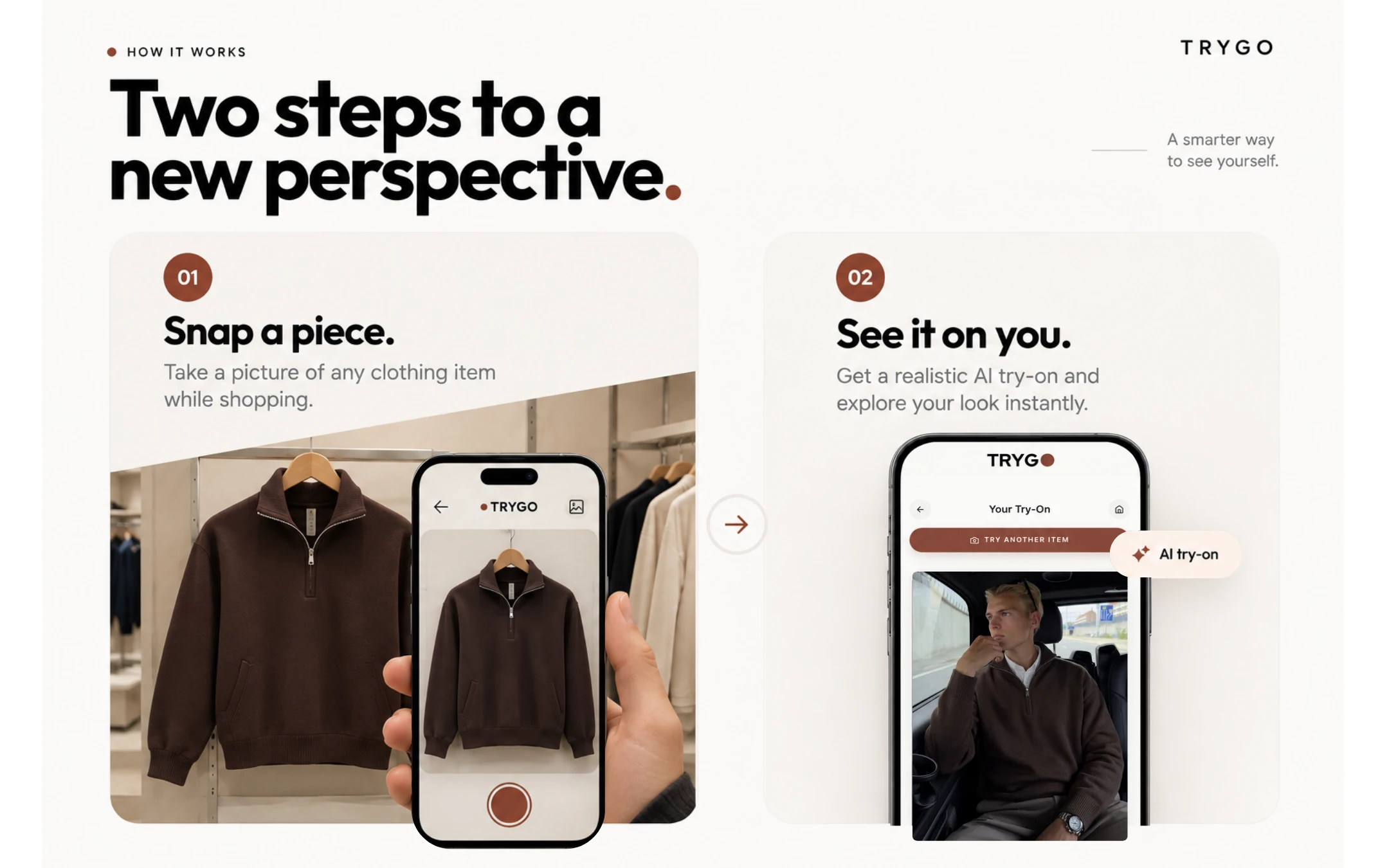
01
Snap a piece.
Take a photo of any clothing item you want to try on.
 Get the app
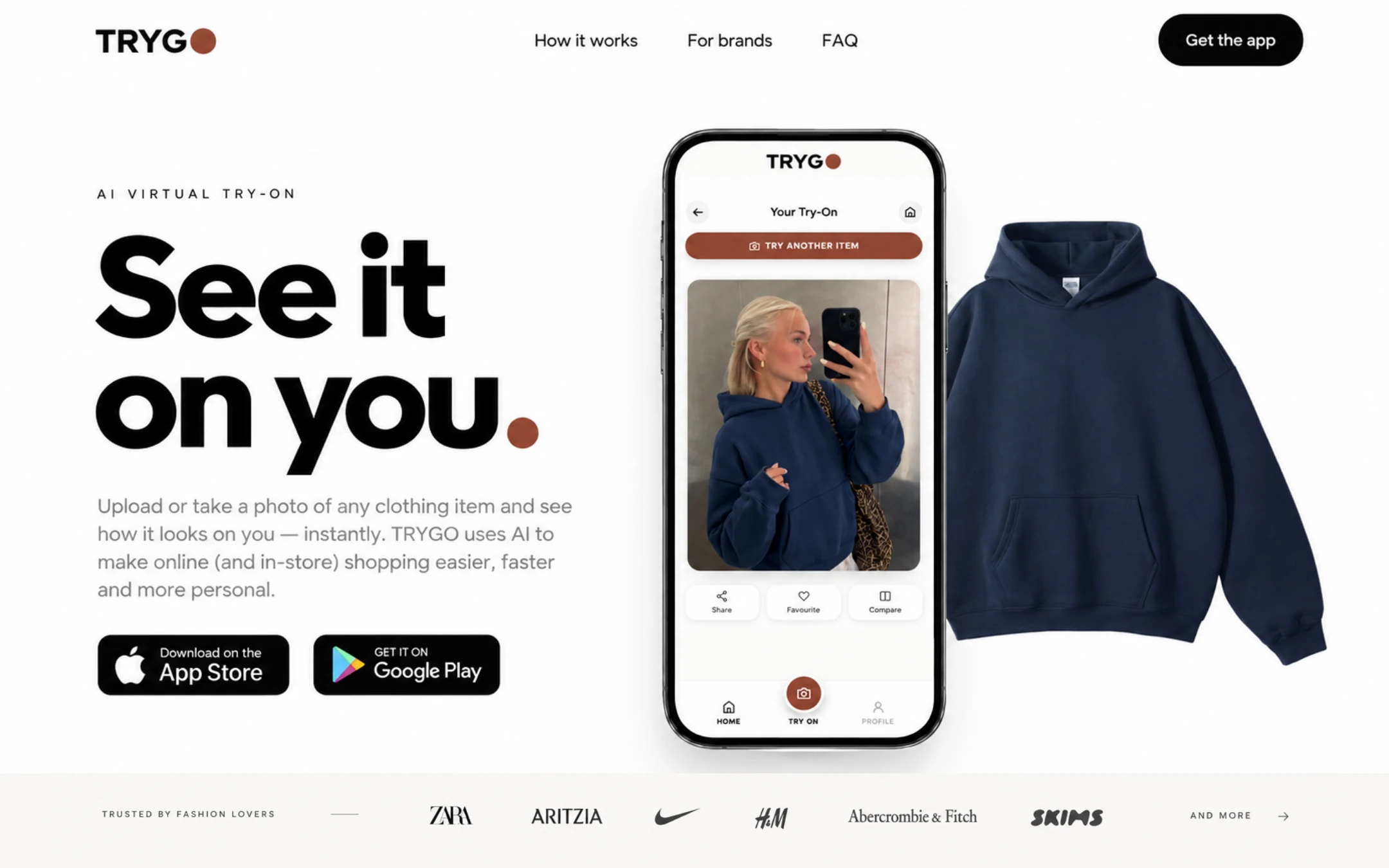
AI VIRTUAL TRY-ON
Take a picture of any clothing item in-store, and see how it looks on you in seconds.


Coming soon to the App Store and Google Play. Use TRYGO on the web today ↗
01 / TRYGO CONSUMER
The personal fitting room that goes with you.
Try the phone: switch views, save a look or share this preview.
HOW IT WORKS
Take a photo of any clothing item you want to try on.
Add your photo and get a realistic virtual try-on in seconds.
Illustrative previews. Supported items only. Actual fit may vary.
02 / TRYGO COMMERCE
Bring virtual try-on directly to your online store.
Add TRYGO to your product pages so shoppers can see themselves wearing your clothing, understand fit more clearly, and shop with more confidence.
The outcomes TRYGO is built for. We measure them with each store during the pilot.
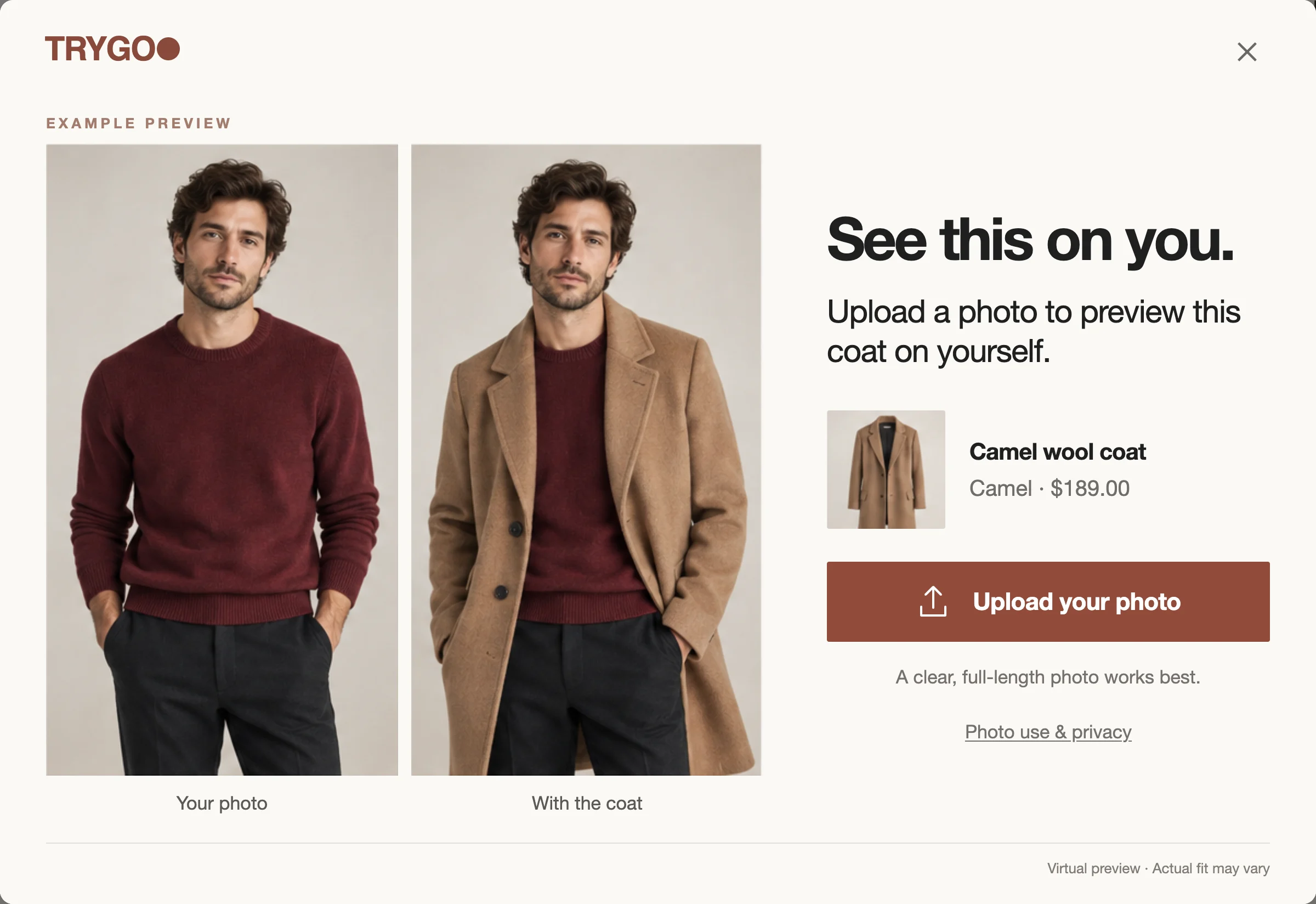
Camel wool coat
No measurements, height or weight needed.
Fictional example. Guidance comes from each store’s approved product data, never a body scan.
POWERED BY YOUR PRODUCT KNOWLEDGE
Compatible with your store
PLANS
Start with Flat. Move to Plus when you want deeper insight and more control.
TRYGO Flat
$200/month
Everything you need to launch virtual try-on and see how it performs.
Request a demo ↗TRYGO Plus
Full access$450/month
Everything in Flat, plus the insight, reporting and controls to grow it.
Request a demo ↗| Compare | Flat | Plus |
|---|---|---|
| Overview & install checklist | ✓ | ✓ |
| Store & catalog setup | ✓ | ✓ |
| Staff access | 2 additional | Unlimited |
| Usage & costs | ✓ | ✓ |
| Analytics | Basic | Advanced |
| Button customization | — | ✓ |
| Product insights | — | ✓ |
| ROI dashboard | — | ✓ |
| Monthly performance reports | — | ✓ |
| Usage controls | — | ✓ |
| Support | Standard | Priority |
| Help centre & FAQ | ✓ | ✓ |
Prices in Canadian dollars, before taxes. The per-try-on rate may change; final terms are confirmed with you before launch.
THE NEXT CHAPTER
We’re growing toward a fashion and creator platform: a place for discovery, personal style and new collaborations. The app and TRYGO Commerce are where it begins.
Let’s work together ↗FAQ
Take a photo of a clothing item, in a store, on a website or from your own closet, then add a photo of yourself. TRYGO creates a virtual try-on so you can see the piece on you, save the look, compare it, or ask someone you trust for their opinion.
Yes. In the TRYGO app you can snap or upload a photo of a top, bottom or one-piece from any store. On participating brands’ websites, TRYGO also appears right on the product page. A clear photo of a single garment gives the best result.
That’s what it’s made for. Snap the piece on the rack (or scan its tag at supported retailers), add your photo, and see the look before you head to the fitting room or the checkout.
TRYGO uses AI to show the garment on your own photo, keeping its colour, pattern and overall drape. It’s a realistic preview of the look, but it is still an AI-generated image: small details can differ, and it doesn’t replace trying a piece on for fit.
The try-on shows the look, not your size. On participating stores, TRYGO Fit shows the brand’s own size chart and fit notes (for example: runs small, slim cut, low stretch) so you can choose with more confidence. We never ask for your height, weight or measurements.
Your photos are used only to create your try-ons. You review your photo and give consent before it’s processed. In the app, you can replace your photo or delete your account from your profile. On store websites, photos and unsaved results expire after 24 hours and saved looks after 30 days; you can delete them and revoke shared links at any time.